
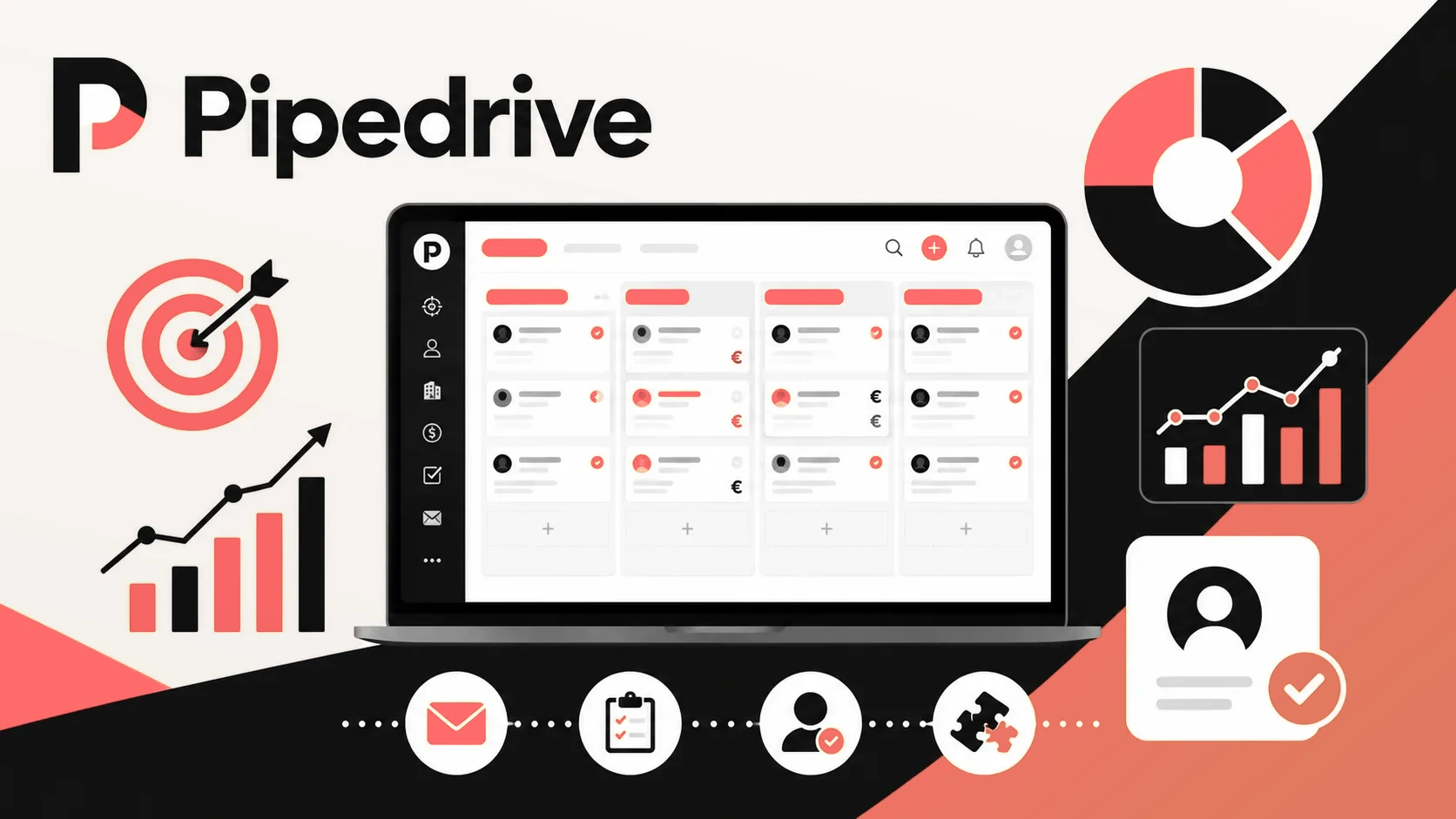
After using Pipedrive for more than three years across different companies, here's my honest feedback.
IN BRIEF Pipedrive stands out for its speed and smooth user experience, a refreshing contrast to the overly complex CRM platforms offered by some competitors. Its customizable sales pipeline and built-in reporting make it a powerful tool for managing sales activities. My only real complaint is the requirement to create an organization for every contact, which adds unnecessary friction during setup.
A Fast Learning Curve, And That Changes Everything
The first thing you notice when opening Pipedrive is how fast it is. Opening a contact record, switching between organizations, or going back to an active deal all feels instantaneous. It may sound like a small detail, but it makes a huge difference when you spend several hours a day inside your CRM.
That responsiveness remains Pipedrive's biggest strength, even though the interface has grown more feature-rich over the years. When it first launched, Pipedrive embraced an almost radical simplicity. Today, with many new features added, the interface contains more menus and information. It's still easy to navigate, but you can definitely feel that the product has matured.
Contacts and Organizations: A Good Idea, But a Forced One
The contacts section centralizes all customer information, which is exactly what you expect from a CRM.
Every contact must then be linked to an organization—the company they belong to. The idea makes sense: it prevents two sales reps from approaching the same company through different contacts without realizing it. The frustrating part is that you can't create a standalone contact.
Many CRMs let you add an individual contact in just a couple of clicks. In Pipedrive, creating an organization is mandatory, even for private individuals or one-off contacts.
That's my only real usability criticism. Once you get used to the contacts-and-organizations structure, everything else works well.
The Sales Pipeline: The Core of the Platform
This is Pipedrive's flagship feature.
The sales pipeline is fully customizable, allowing you to define your own stages.
For example:
First contact
Meeting scheduled
Proposal sent
Deal signed
Each opportunity moves visually from one column to the next.
This Kanban-style view makes your sales data immediately understandable. At a glance, you can see where every deal stands, what's blocking progress, and which opportunities are close to closing.
Email Campaigns and Task Management: Useful, But Locked Behind Higher Plans
Beyond pipeline management, Pipedrive includes several useful features such as bulk email sending, email synchronization, marketing campaigns, and task management.
None of these features are revolutionary, but they're well executed and tightly integrated with the rest of the platform. In some cases, they can even replace separate software subscriptions.
One thing to check before subscribing: most of these capabilities are only available on higher-tier plans. It's worth identifying your real needs before choosing a subscription rather than paying for features you'll never use.
Valuable Analytics, If Your Team Uses the CRM Properly
When everyone consistently follows the pipeline stages, Pipedrive generates highly valuable insights:
Conversion rates between each stage
Average sales cycle length
Individual sales rep performance
These reports are extremely useful for annual reviews or simply monitoring performance throughout the year. The downside is that the quality of the data depends entirely on your team's discipline.
If sales reps skip stages or leave deals sitting untouched, the reporting quickly becomes unreliable.
The Marketplace: Extend Pipedrive When Needed
Pipedrive offers an extension marketplace that lets you tailor the CRM to more specific workflows.
For example, you can connect:
Zendesk for customer support
Zapier to automate workflows across multiple tools
Apollo to automatically enrich contact data such as phone numbers
These integrations aren't essential for everyone. Their value depends entirely on your business. A small sales team won't have the same requirements as a larger organization running multiple customer-facing tools.
Common Mistakes to Avoid
Three mistakes frequently appear when teams start using Pipedrive.
The first is neglecting organizations, which eventually creates duplicate contacts that become difficult to clean up.
The second is failing to follow the pipeline stages consistently, making reports and analytics unreliable.
The third is upgrading to a more expensive subscription just for one feature without first checking whether a Marketplace integration could solve the problem at a lower cost.
Centra: An Alternative Built for Outbound Sales
If your prospecting mainly starts on Linkedin or via email, Centra is worth considering. Whereas Pipedrive is a general-purpose CRM that can be adapted for outbound sales, Centra is designed around prospecting from the ground up.
Its Chrome extension lets you import a single Linkedin profile, or an entire list of profiles, directly into the platform without using spreadsheets. Campaigns combine both email and Linkedin outreach within the same sequence, including conditional steps.
A shared inbox centralizes emails and Linkedin conversations so the entire sales team has visibility, preventing multiple reps from contacting the same prospect.
Contact enrichment also happens directly inside the platform, eliminating the need to switch between separate enrichment tools or export and import CSV files.
Unlike Pipedrive, the goal is to replace an entire outbound sales stack: CRM, email outreach, Linkedin sequencing, and contact enrichment all in one platform.
Final Thoughts Before You Get Started
In our opinion, Pipedrive remains one of the most enjoyable CRMs to use on a daily basis.
Its speed and visual pipeline make it a tool that sales teams actually enjoy opening, which isn't something you can say about many business applications.
Before subscribing, it's worth defining your needs:
How many contacts will you manage?
Do you need email marketing features?
Which integrations are essential?
Doing this upfront helps you avoid paying for a plan that's larger than necessary, or discovering too late that a key feature is only available on a higher-tier subscription.
IN SUMMARY
Pipedrive excels in speed, ease of use, visual pipeline management, and sales reporting. Its main drawbacks are the mandatory organization requirement for every contact and the fact that several important features are restricted to premium plans. Overall, it's an excellent CRM for sales teams looking for a simple, efficient platform, as long as you choose the right subscription from the start.